How I Take Notes in Obsidian

Lucas Ferguson
—Apr 11, 2026
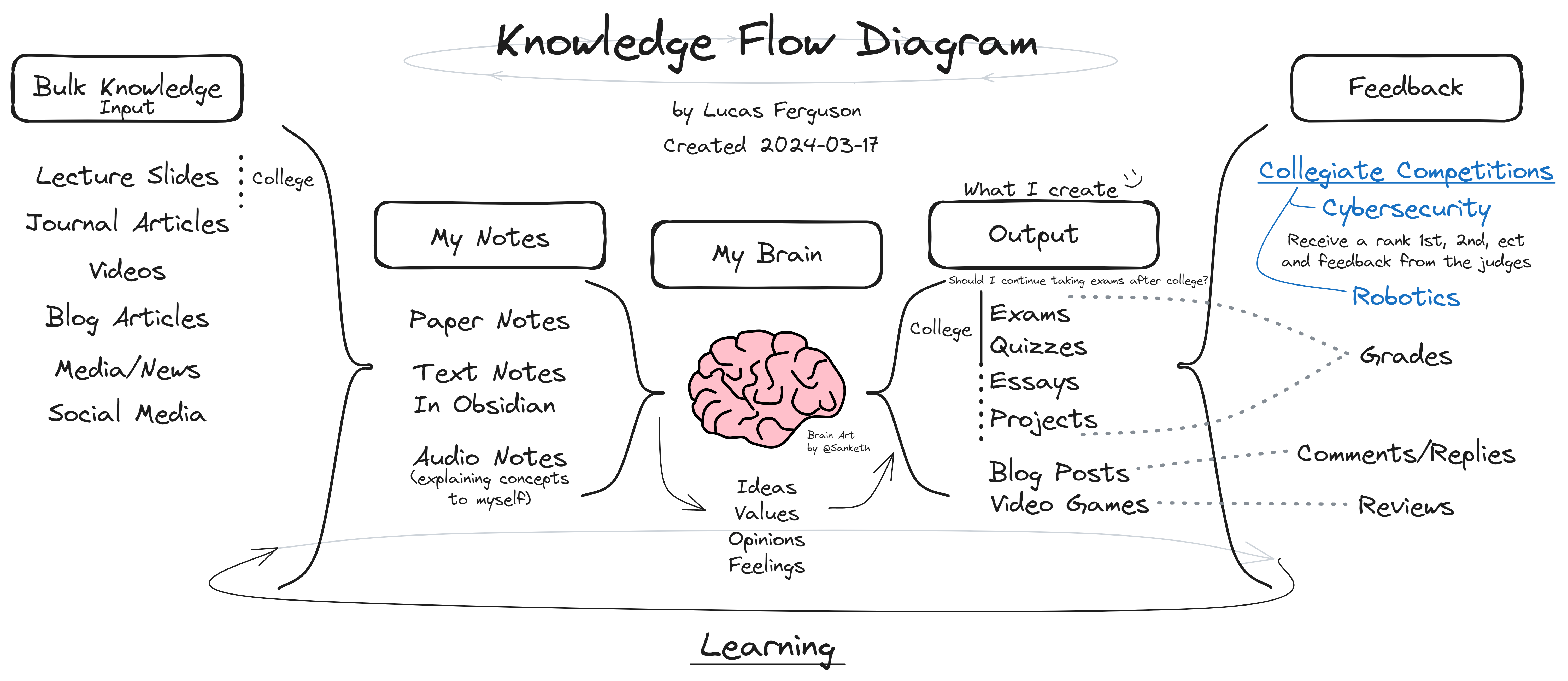
How I Take Notes in Obsidian
I have used Obsidian for the full duration of my Computer Science education at Illinois Tech, including an accelerated BS/MS program that I completed in four years. Over that time, it became the central place where I stored lecture notes, project notes, cybersecurity references, diagrams, templates, and day-to-day knowledge.
Today, that vault contains 5,567 files and 325 folders totaling about 1.65 GB of content. It reflects four years of computer science coursework along with cybersecurity competitions, presentations, technical projects, and personal knowledge management.
What is Obsidian?
Obsidian is a Markdown-based note-taking app built around linked notes and long-term knowledge organization. I use it because it lets me keep quick notes, structured lecture notes, templates, and longer technical references all in one place.
One of its best-known features is the graph view, which shows notes as a network of connected ideas rather than just a list of files.
My Obsidian Graph
After four years of notes, the graph has become a visual snapshot of the scale of my vault and the variety of topics inside it.
****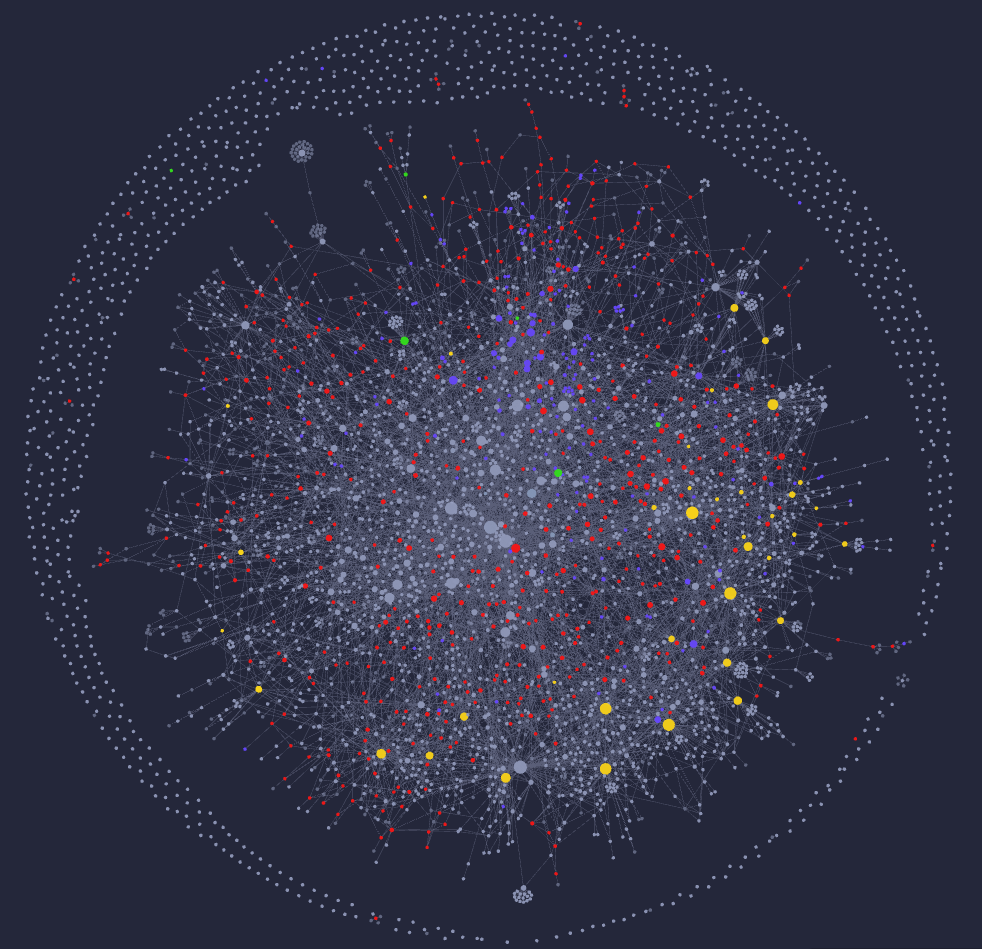
I like the graph because it makes the vault feel less like a folder of documents and more like a connected system of knowledge built over time.
What I Keep in My Vault
My vault includes:
- lecture notes from computer science courses
- notes from cybersecurity competitions and labs
- project planning and technical writeups
- diagrams and reference material
- daily notes and templates
- homework support material and presentation notes
Plugins I Use Most
A big part of why Obsidian works well for me is its plugin ecosystem. I use plugins to improve templates, formatting, task management, navigation, and general workflow.
List of plugins I use most:
- Excalidraw
- Linter
- Git
- Dataview
- Periodic Notes
- PDF++
- Templater
- Various Complements
- Spaced Repetition
- Local REST API
- Fleeting Notes Sync
Daily Note Template
I rely heavily on templates so I can capture information quickly and keep a consistent structure.
---<%*var fileDate = moment(tp.file.title);// Moment dates are mutablelet prevDay = moment(fileDate).subtract(1, 'd').format('YYYY-MM-DD');let nextDay = moment(fileDate).add(1, 'd').format('YYYY-MM-DD');let yearLink = fileDate.format('YYYY');let quarterLink = fileDate.format('YYYY-[Q]Q');let monthLink = fileDate.format('YYYY-MM');let weekLink = fileDate.format('GGGG-[W]ww'); // ISO week-year + week numberlet weekDay = fileDate.format('dddd');let prettyDate = fileDate.format("dddd, MMMM DD, YYYY");-%>type: daily-notealiases: "<% tp.file.title %>"date: <% tp.file.title %>pretty-date: "<% prettyDate %>"week-day: "<% weekDay %>"yyyy-mm-dd:Happiness:Energy:Focus:Synopsis: ""---# <% prettyDate %><< [[<% prevDay %>|Yesterday]] | [[<% nextDay %>|Tomorrow]] >> #Daily-NoteWeek: [[<% weekLink %>]] | Month: [[<% monthLink %>]]<%*function month() {let fileDateNum = fileDate.date();let numDays = fileDate.daysInMonth();tR += tp.user.makeProgressBar(fileDateNum,numDays,size = numDays,filledChar = "█",unFilledChar = "◽",label = "Month");}month();-%><%*function year() {let dayNum = fileDate.dayOfYear();tR += tp.user.makeProgressBar(dayNum,365,size = 28,filledChar = "█",unFilledChar = "◽",label = "Year");}year();-%>## 📝 Notes
Lecture Note Template
I also use templates for lecture notes so that every class note starts with a structure that is easy to review later.
Class:: [[<% tp.user.getFolderName(tp) %>]]Lecture Date: [[<% tp.date.now("YYYY-MM-DD") %>]]<%*// Get full folder basename (not the path)const fullFolder = tp.file.folder(false);// Split on spaces and take the first part (e.g., "CS536" from "CS536 Science of Programming")const classCode = fullFolder.split(' ')[0];// Extract lecture number from titleconst title = tp.file.title;const match = title.match(/Lecture\s+(\d+)/i);const lecNum = match ? parseInt(match[1], 10) : NaN;const prior = !isNaN(lecNum) && lecNum > 1 ? lecNum - 1 : null;const next = !isNaN(lecNum) ? lecNum + 1 : null;const priorLink = prior ? `Lecture ${prior} ${classCode}` : '—';const nextLink = next ? `Lecture ${next} ${classCode}` : '—';%>Prior Lecture: [[<%* tR += priorLink %>]]Next Lecture: [[<%* tR += nextLink %>]]**Fun Lecture Stats** (Out of 10)- Engagement::- Value::- Clarity::- Relevance::- Pacing::- Visual-Aids::- Note-Taking::#### Key Points*At the end of lecture list the key topics*-#### In-Depth Notes*This will be where I type most of my random notes thought the lecture*#### Questions & Clarifications*List of Questions*-#### Assignments or Readings*Put assignments that were talked about in this lecture here*----*Additional Thoughts:*